Quick Tile
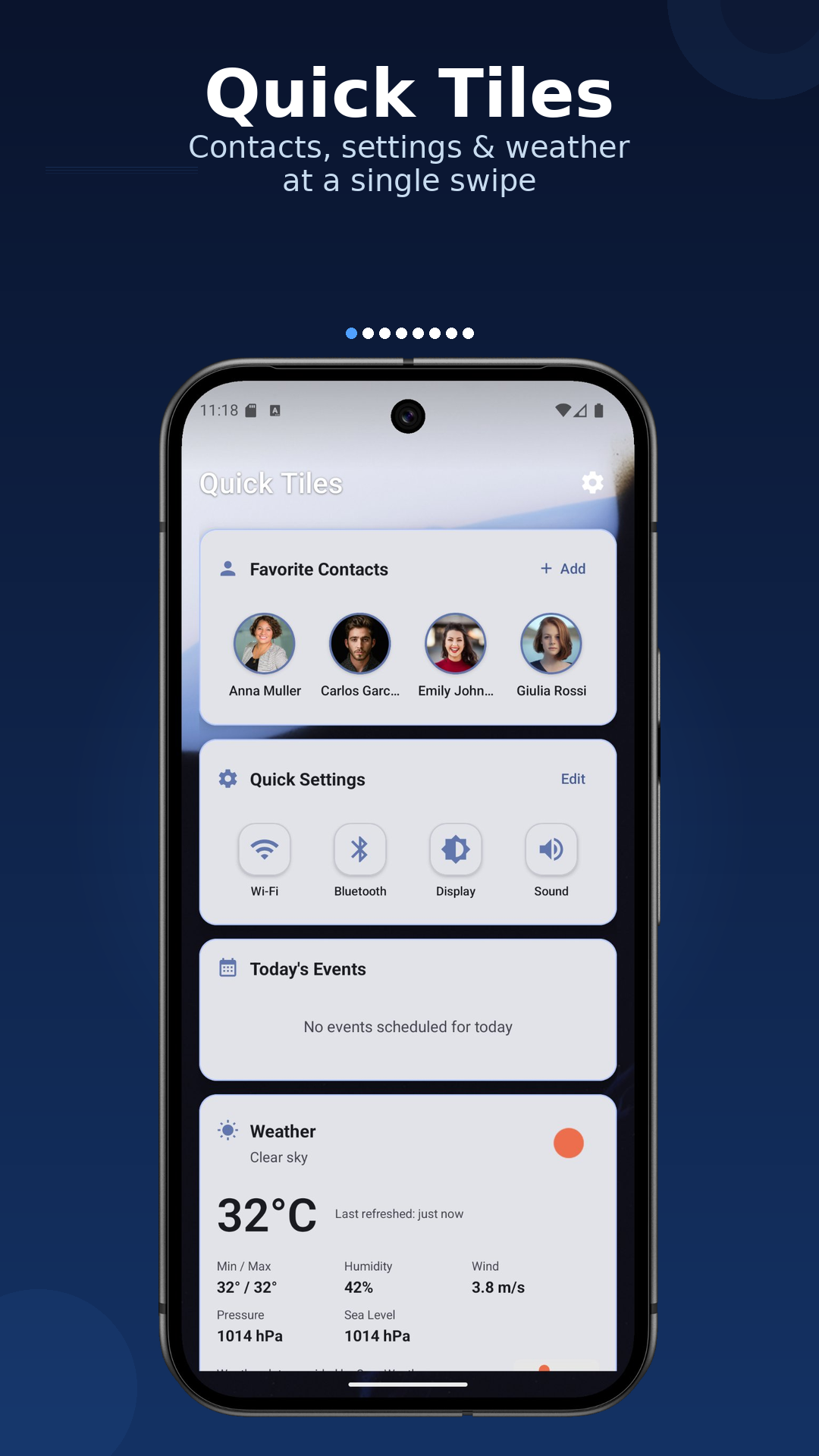
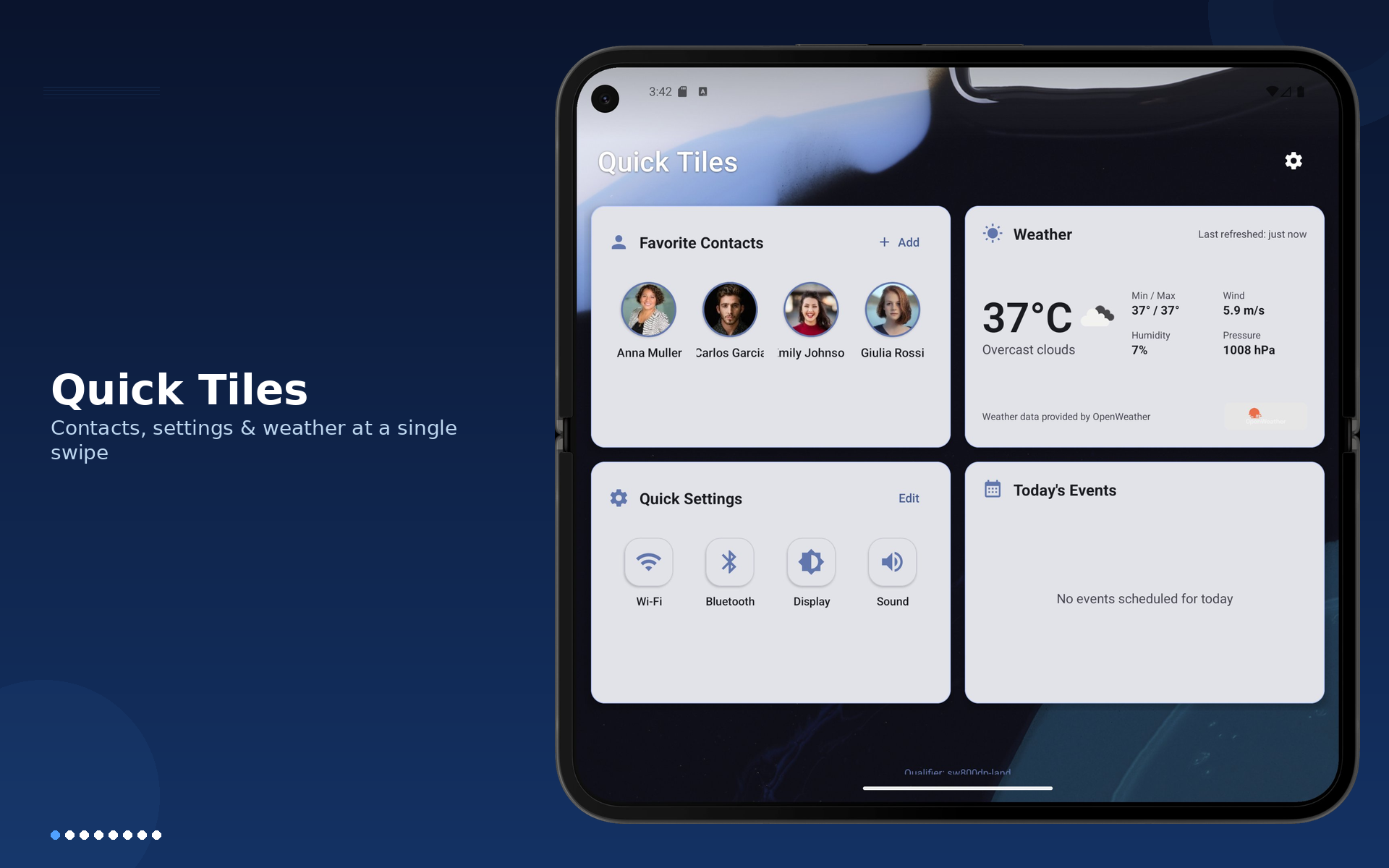
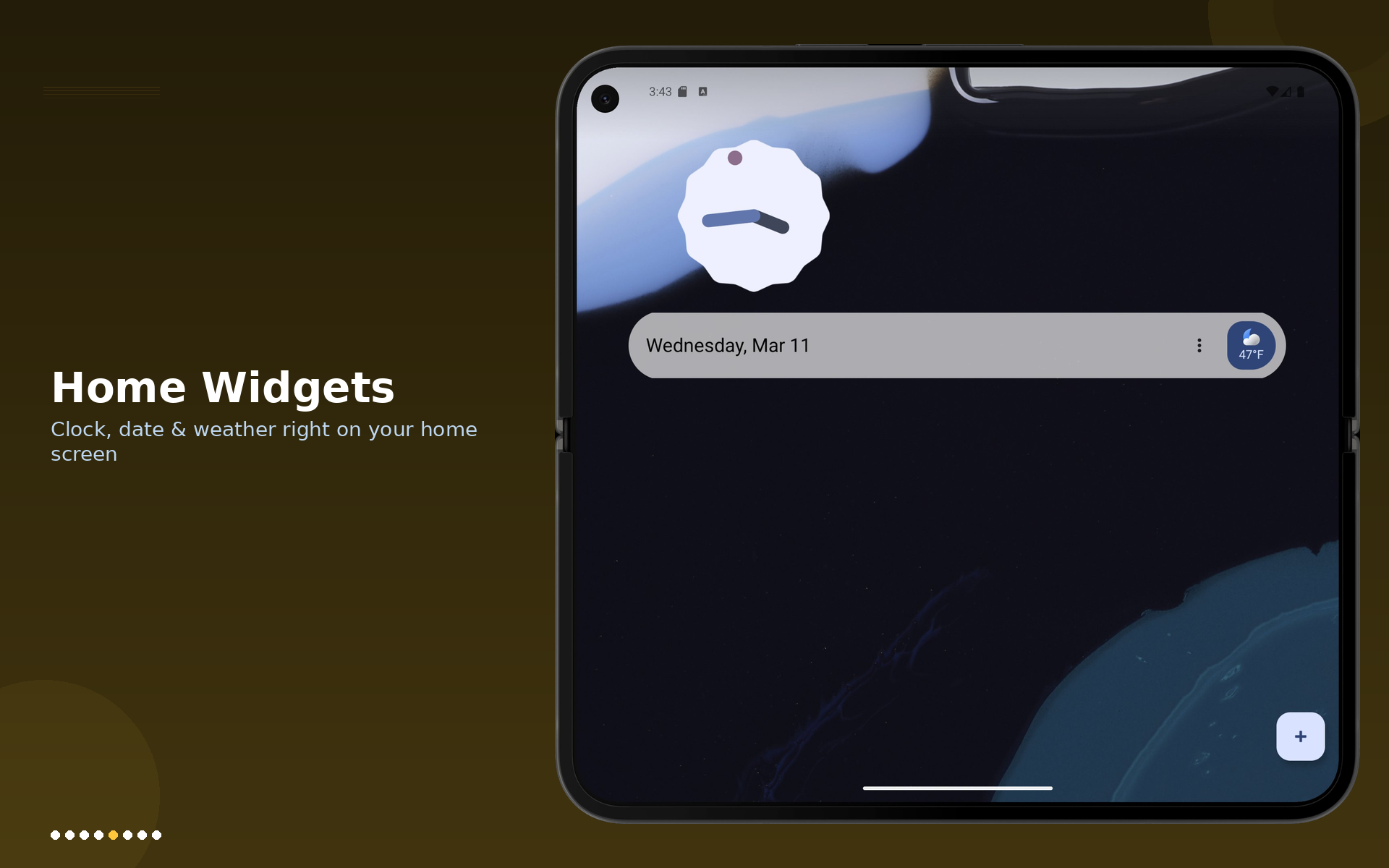
Swipe left for contacts, weather, settings shortcuts, and today's events.
ANDROID LAUNCHER
Core Launcher is built for speed and control: instant app search, smart quick tiles, widget board management, app lock, hidden apps, and deep visual tuning.
Privacy details and Play disclosures: read the full privacy policy.

Launcher for Android phones and tablets
Swipe left for contacts, weather, settings shortcuts, and today's events.
Swipe right and arrange widgets with drag, resize, and edit mode.
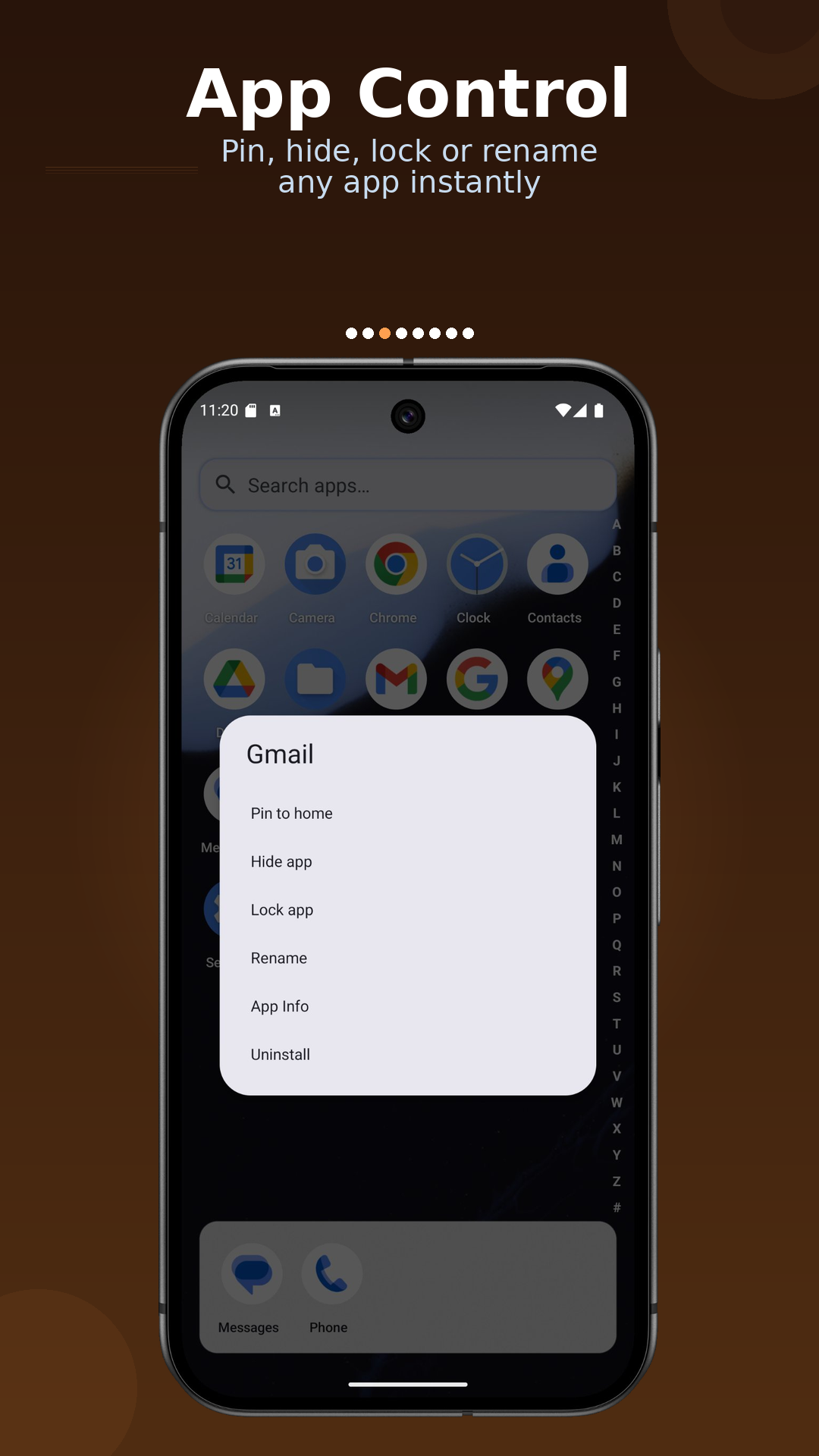
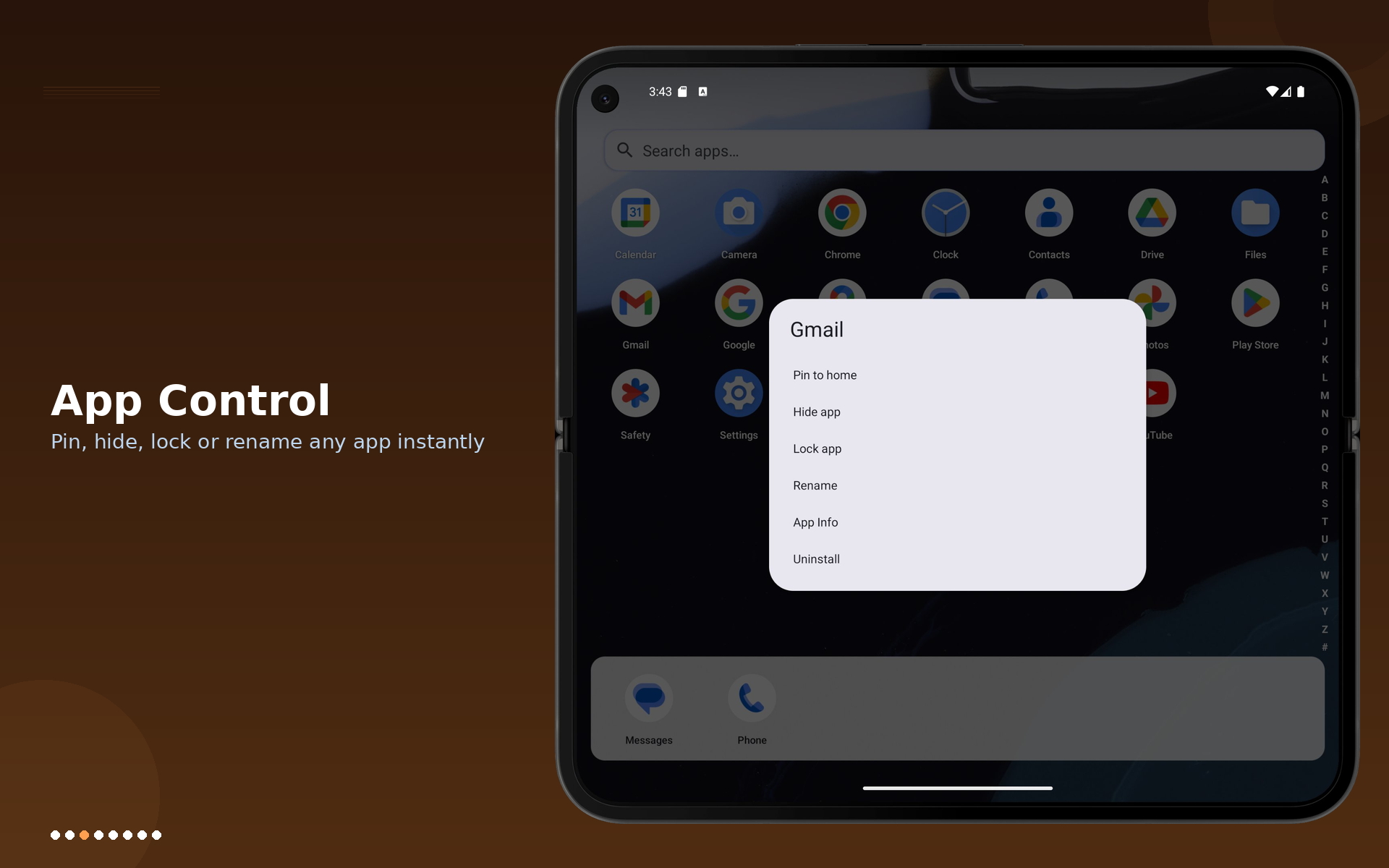
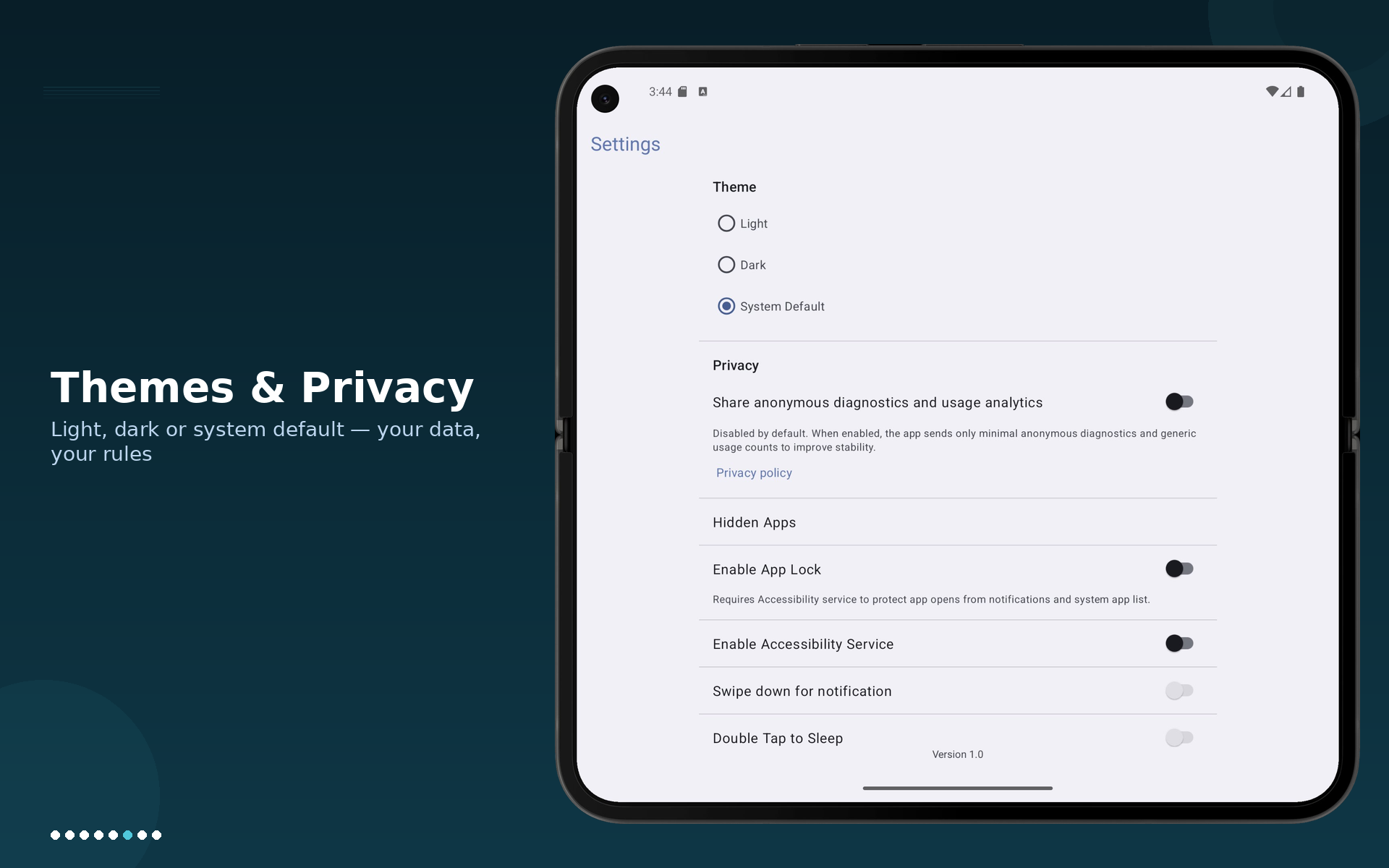
Hidden apps with passcode and optional biometric confirmation.
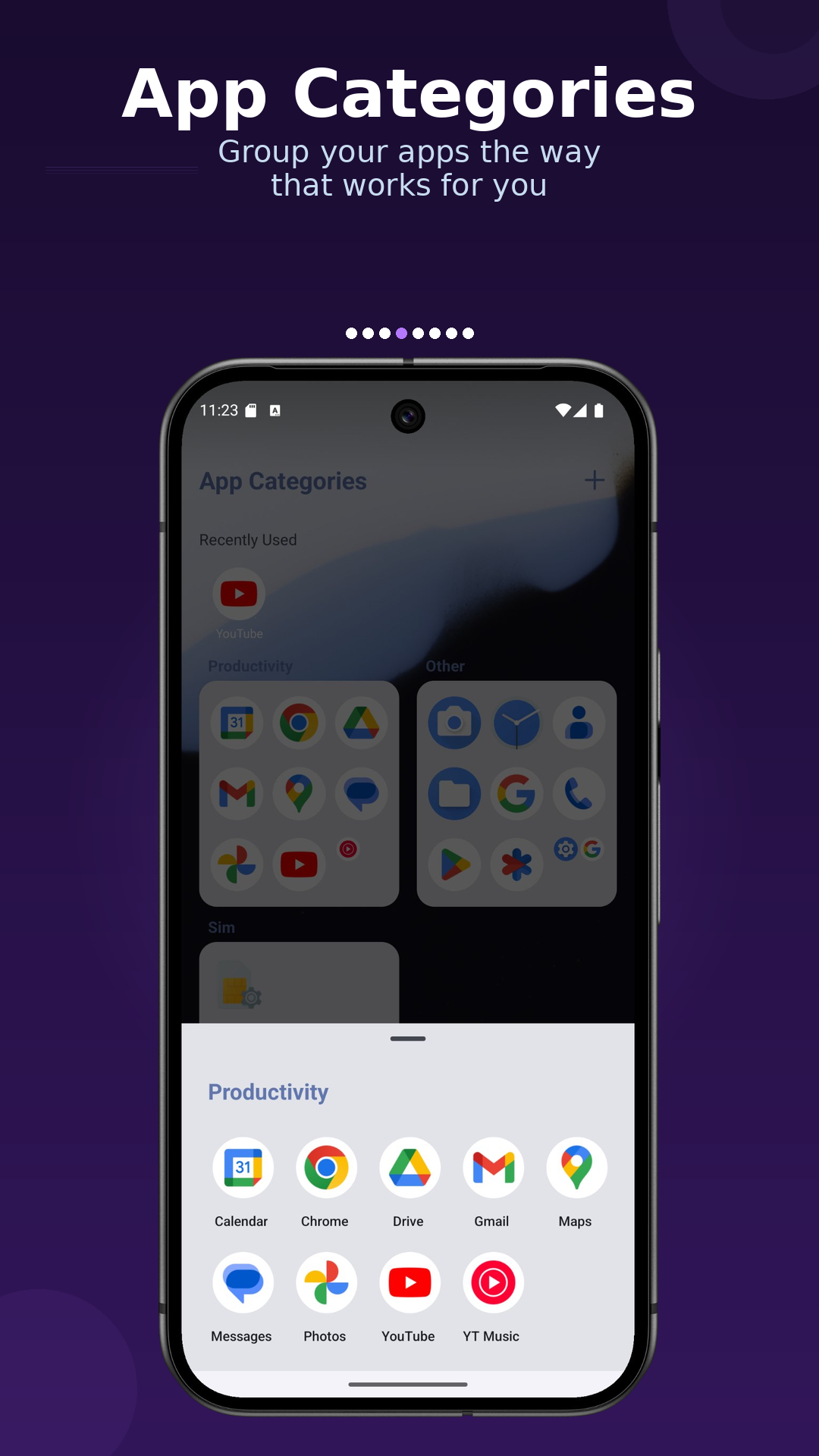
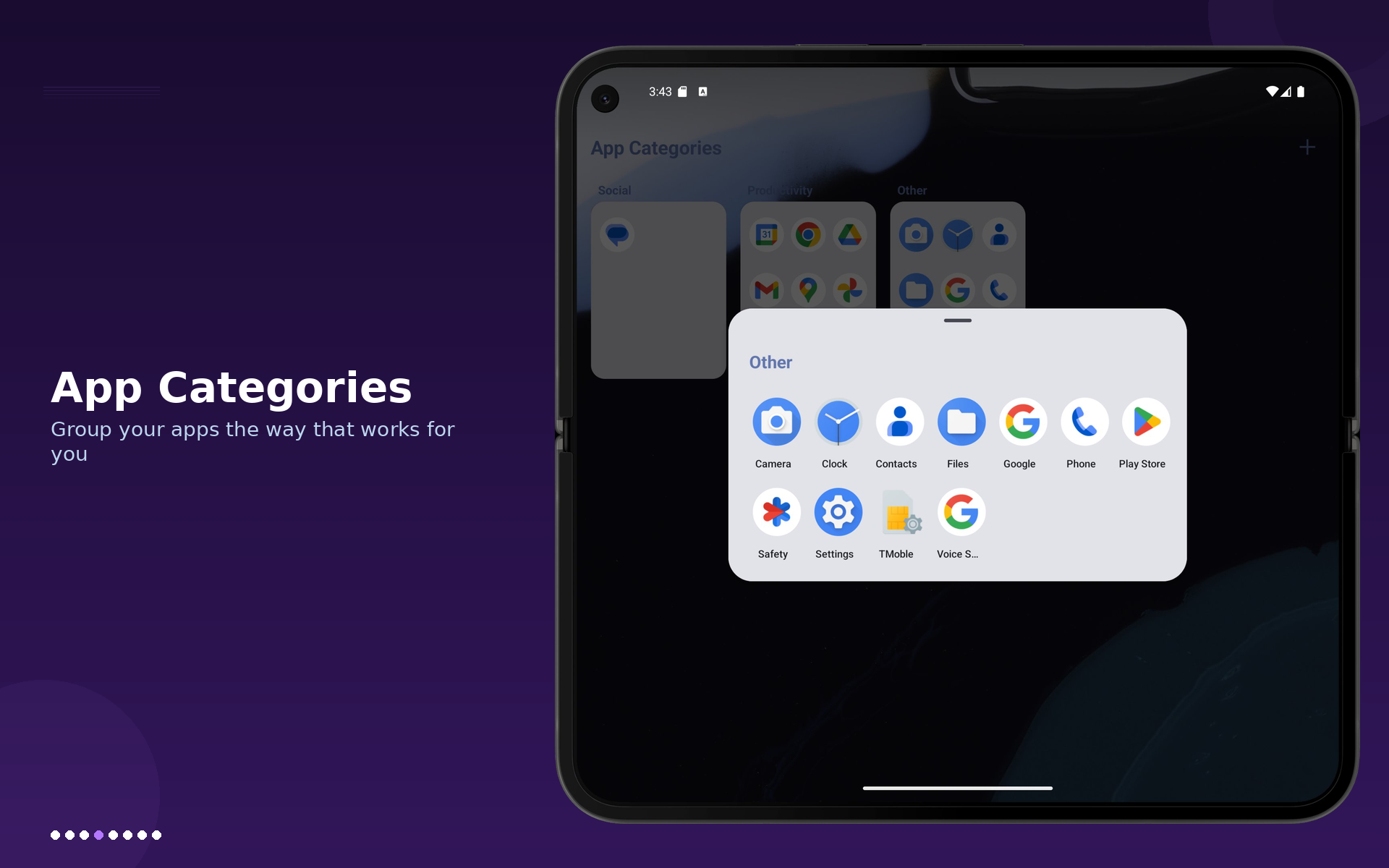
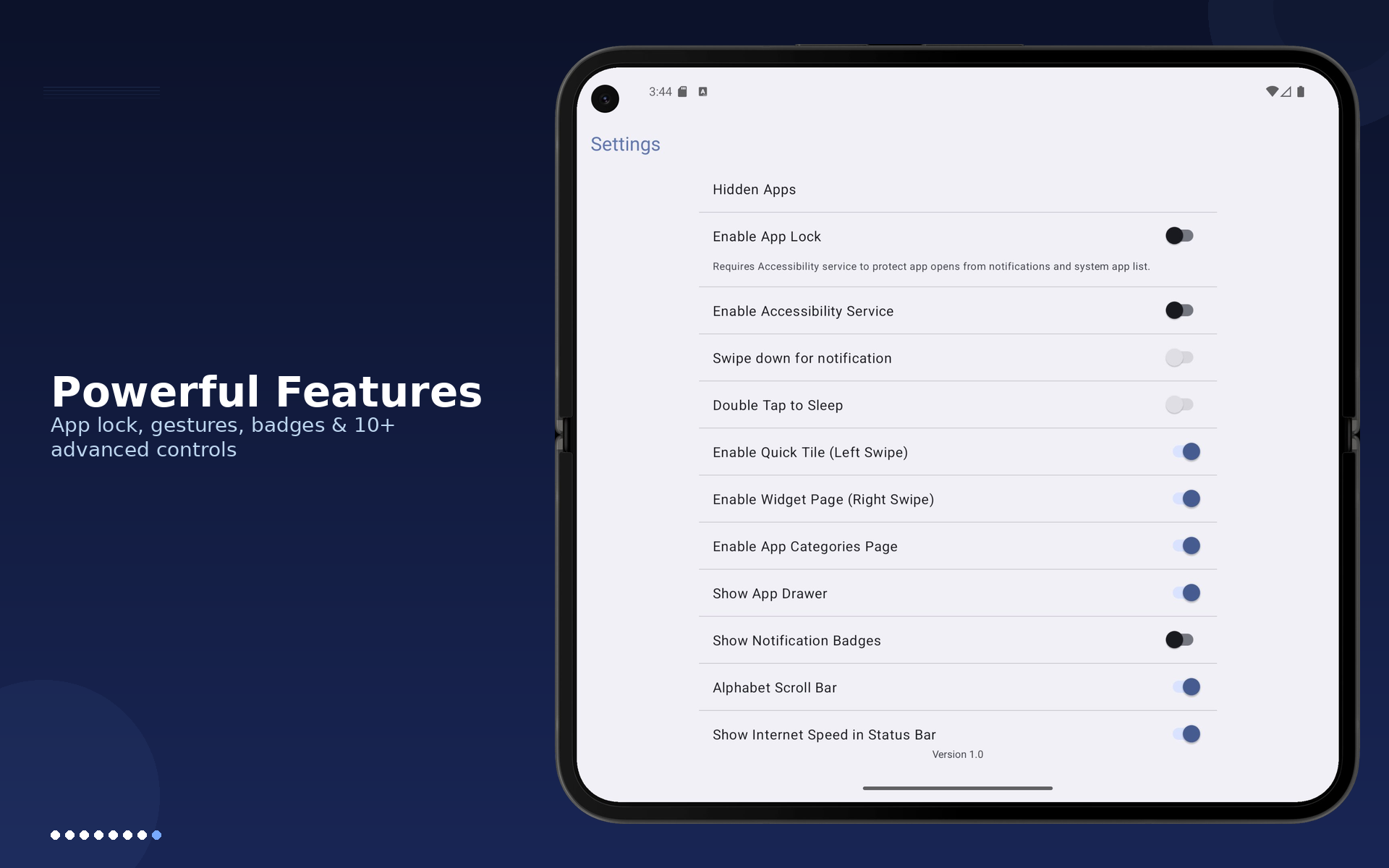
Theme, icon size, grid, text color, app categories, and widget controls.
GALLERY
Scroll horizontally to view all phone shots.
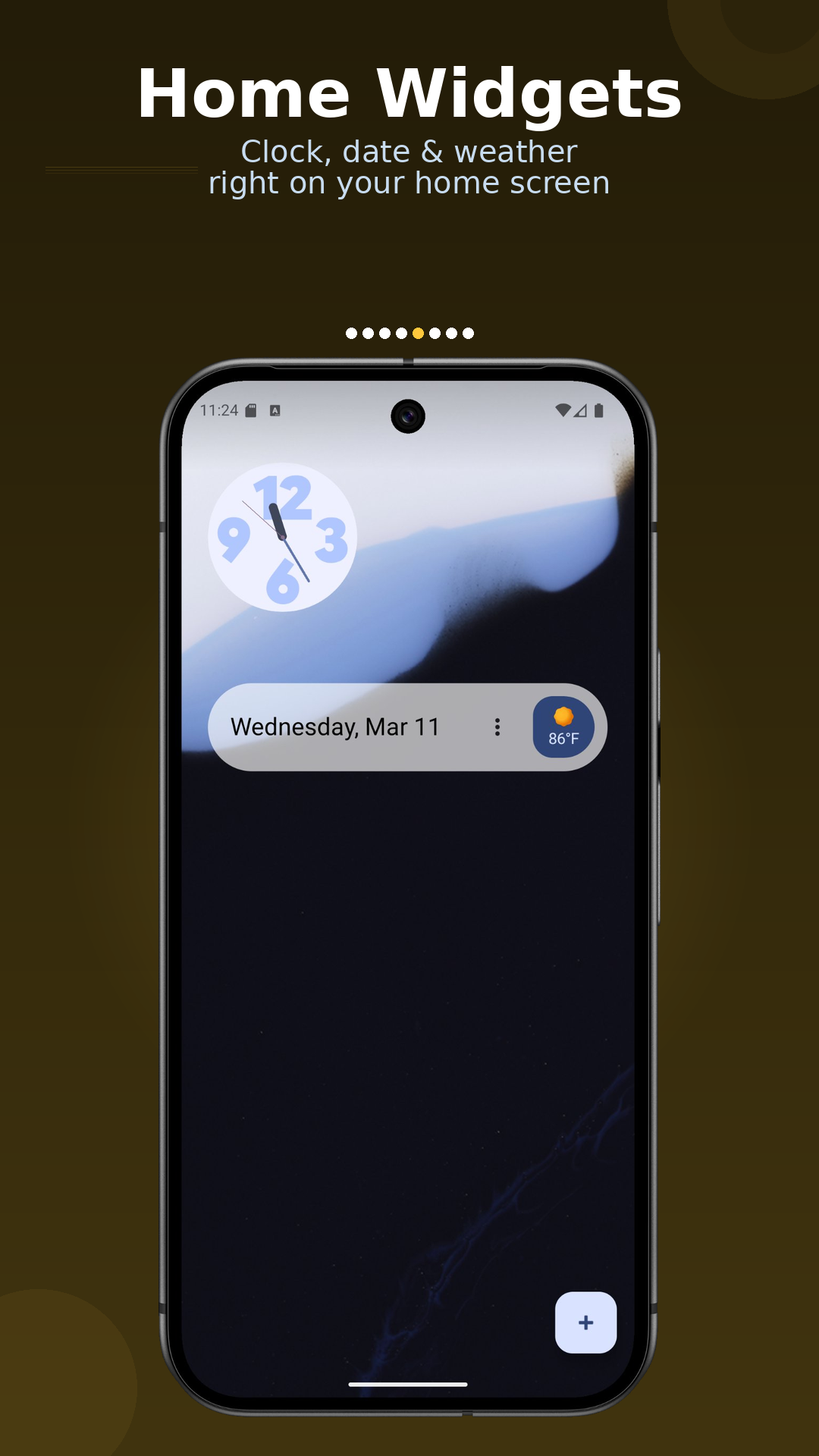
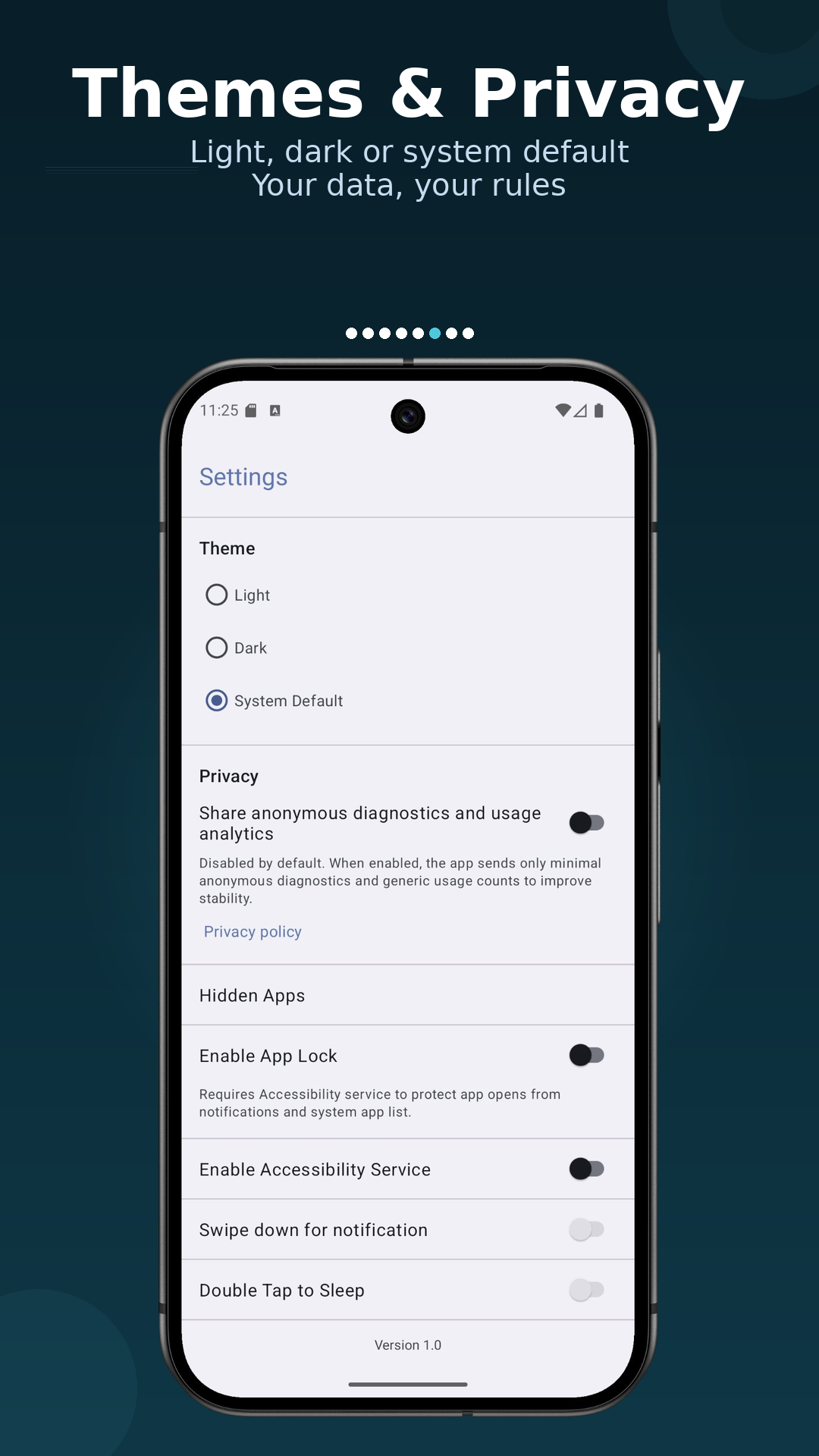
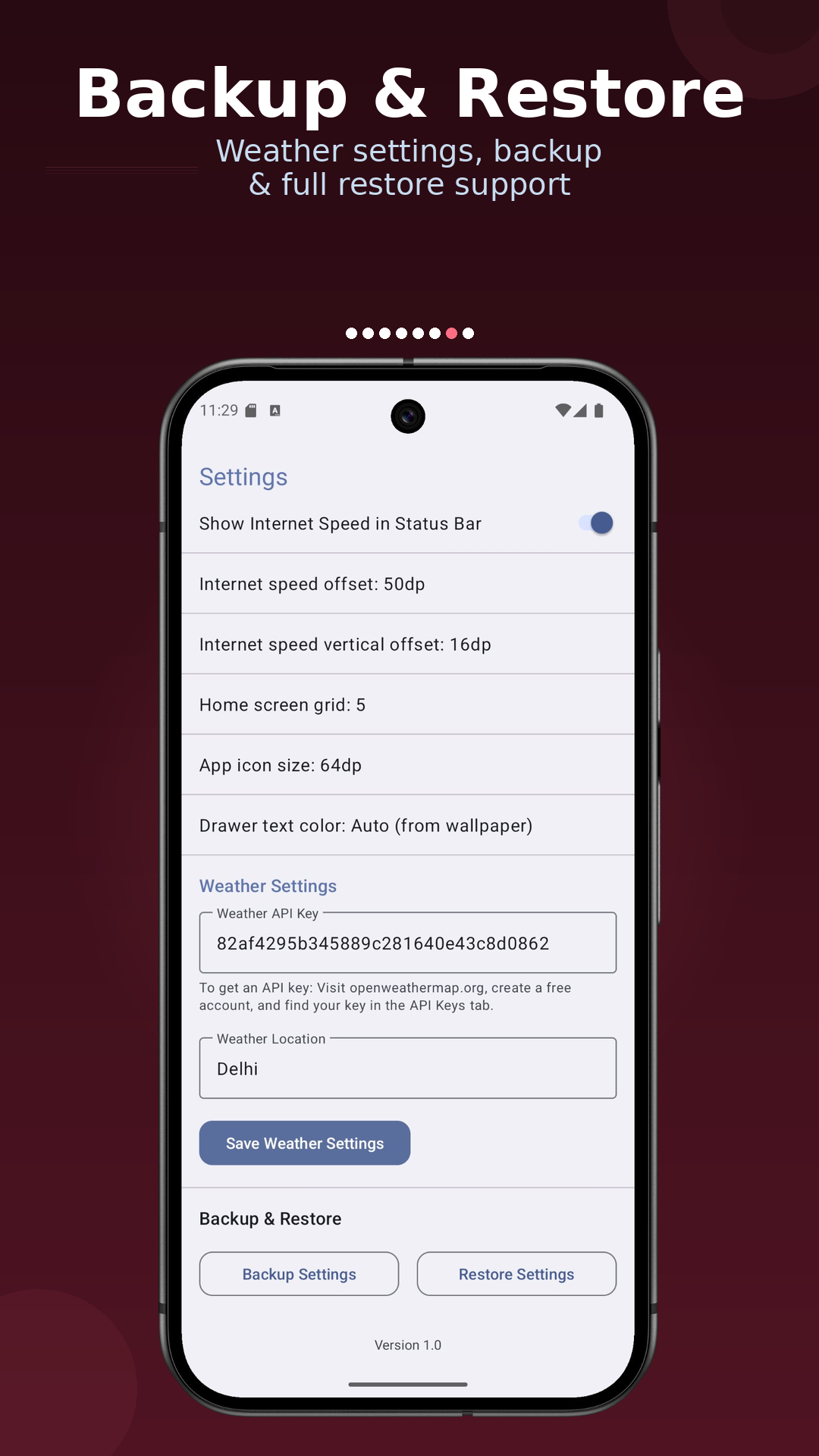
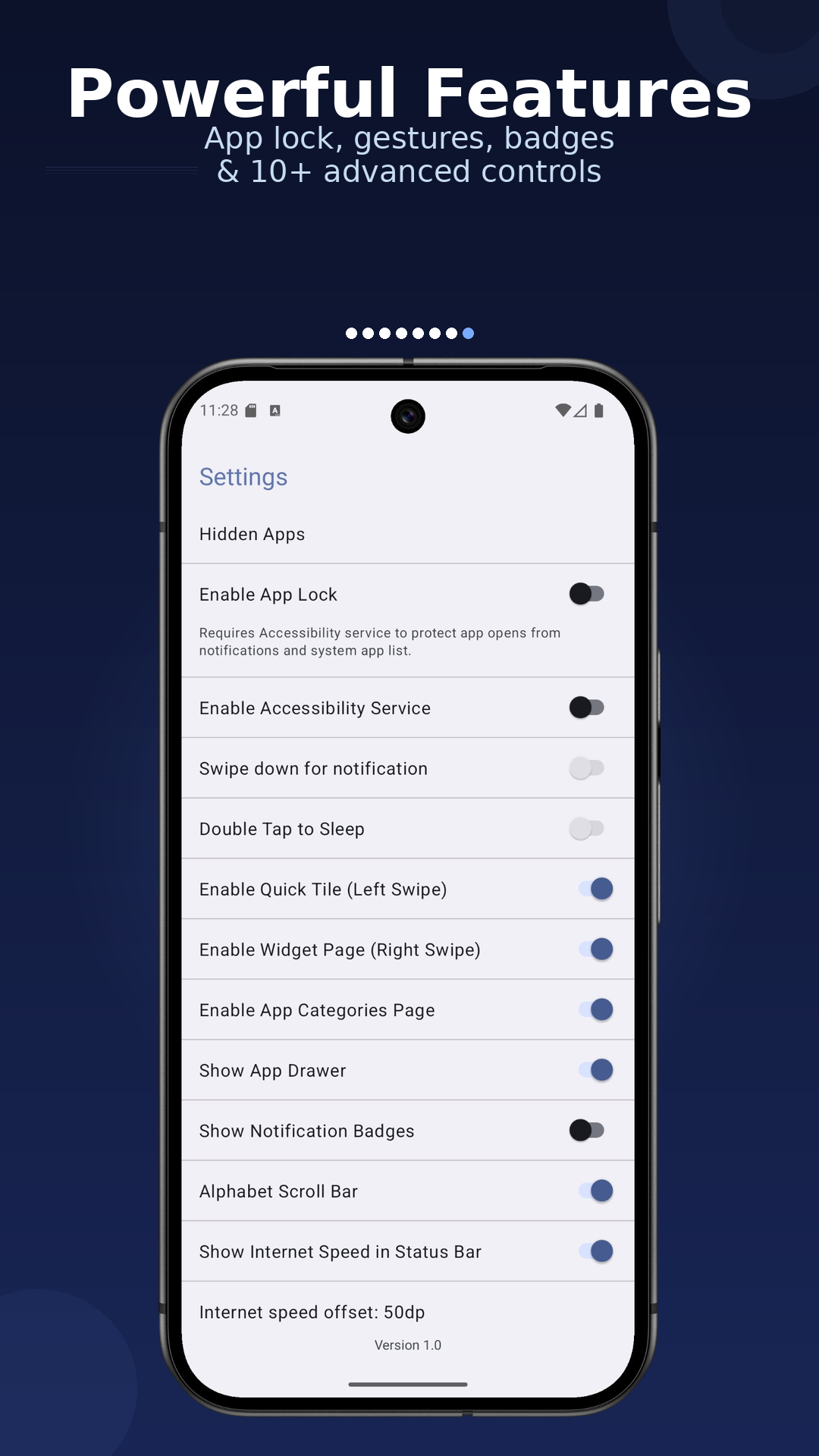
Scroll horizontally to view all tablet shots.
Scroll horizontally to view all tablet shots.
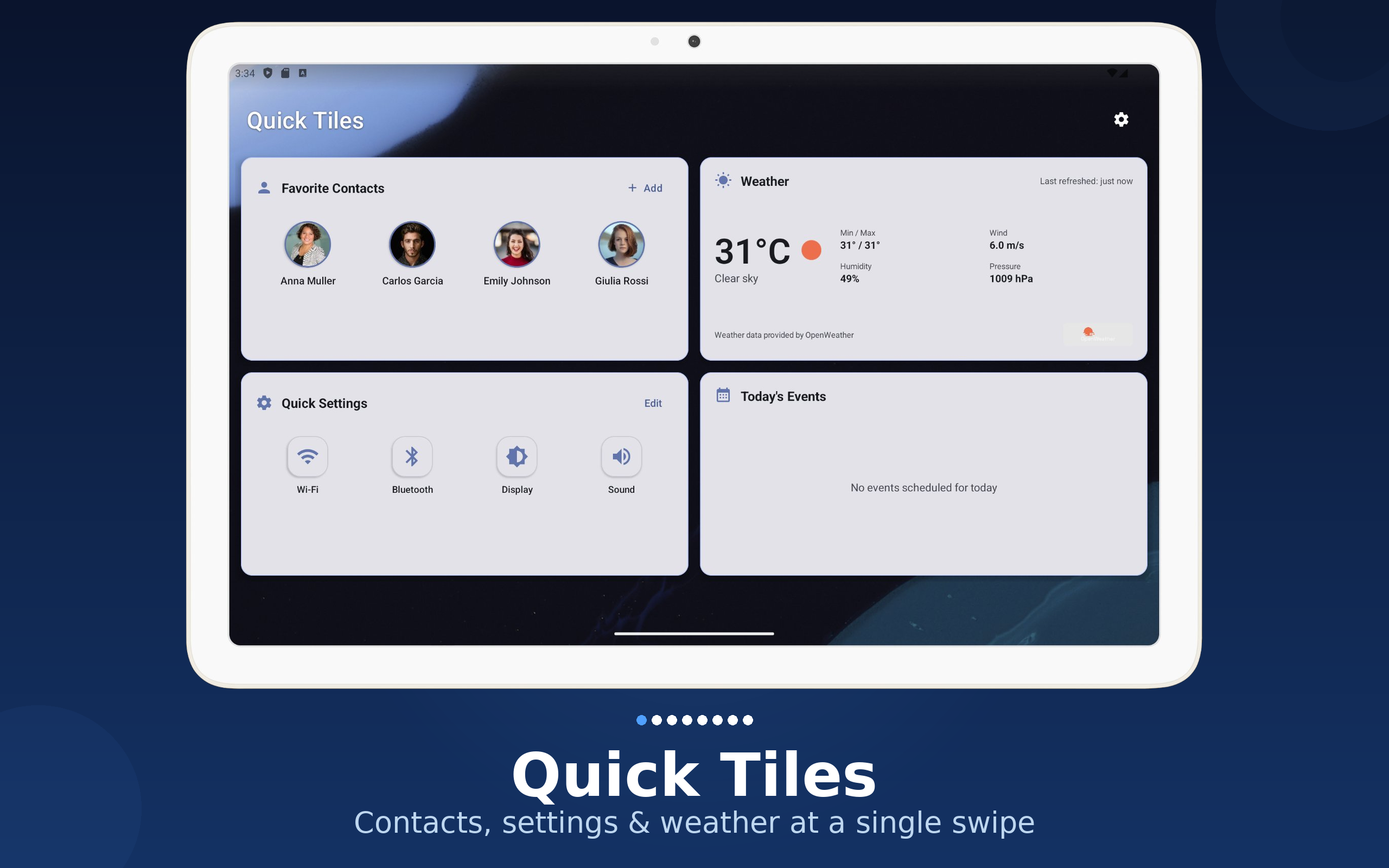
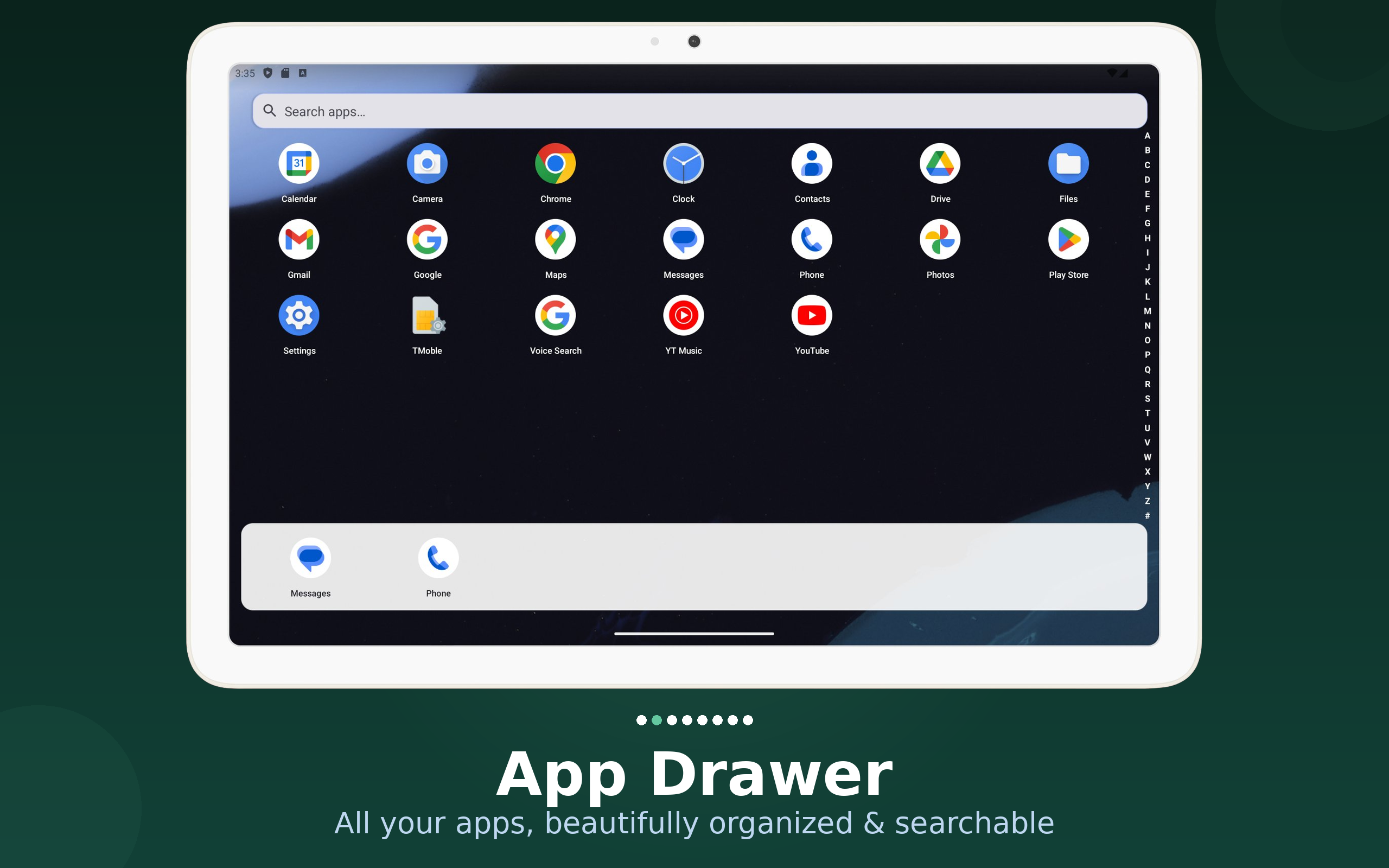
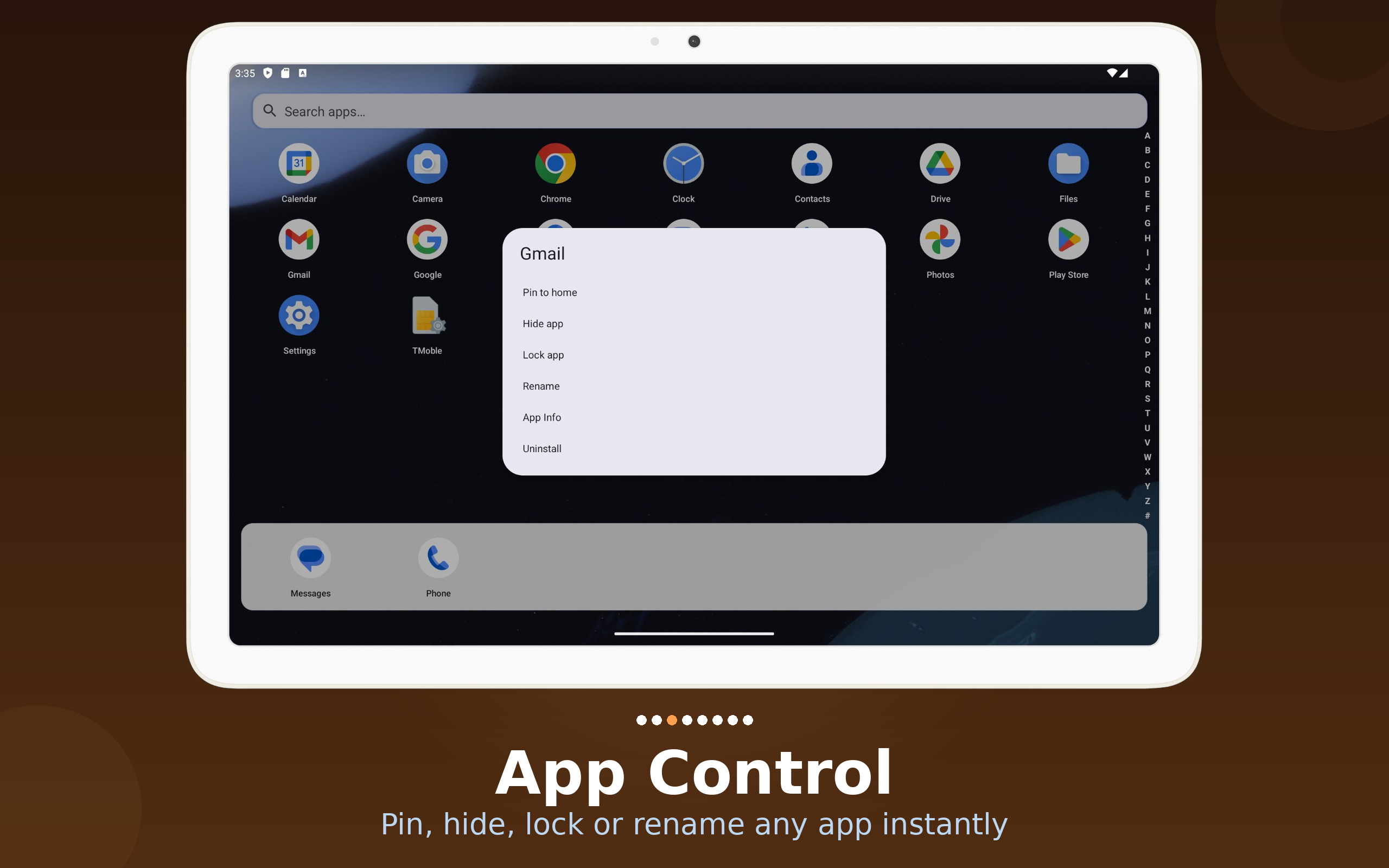
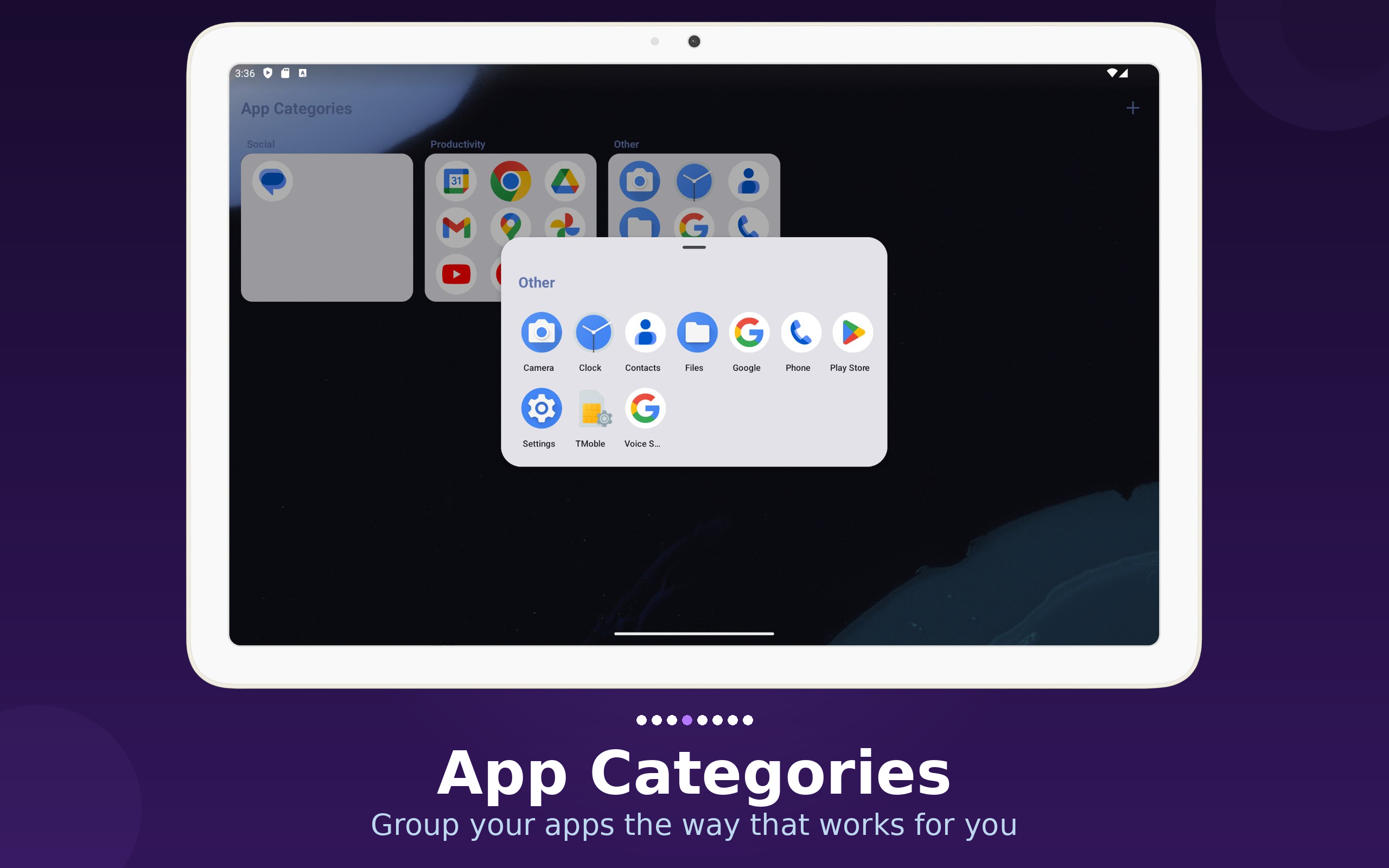
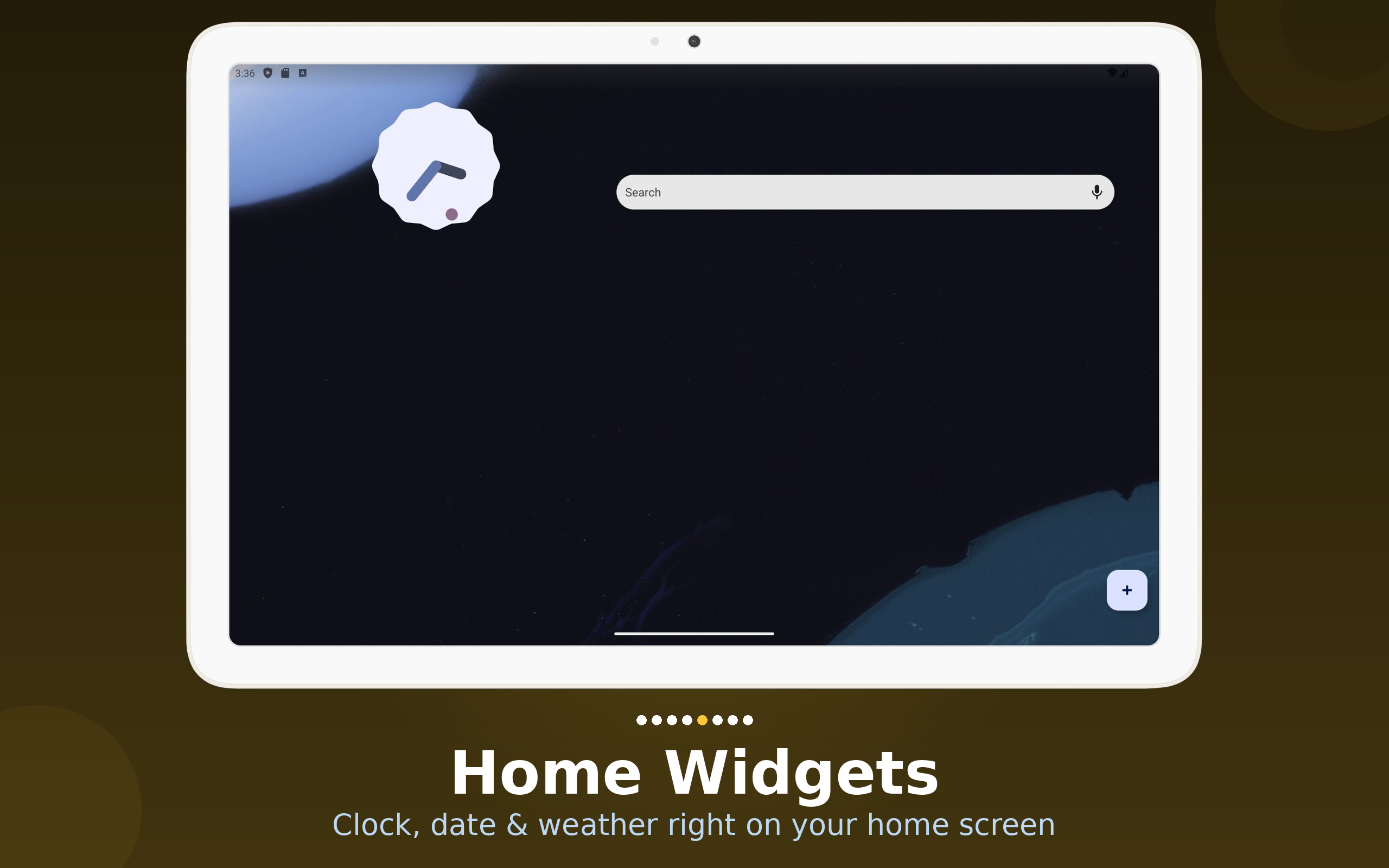
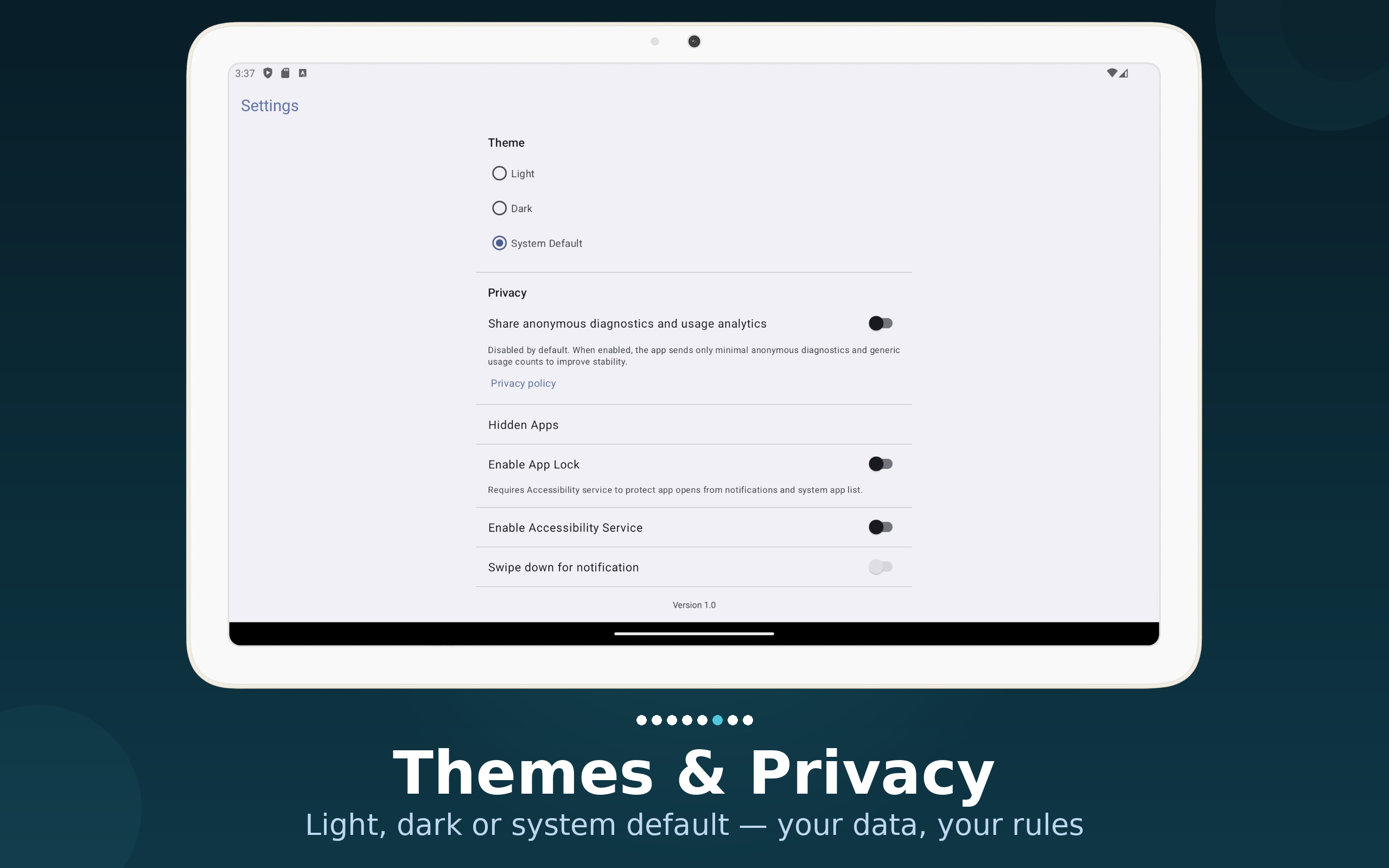
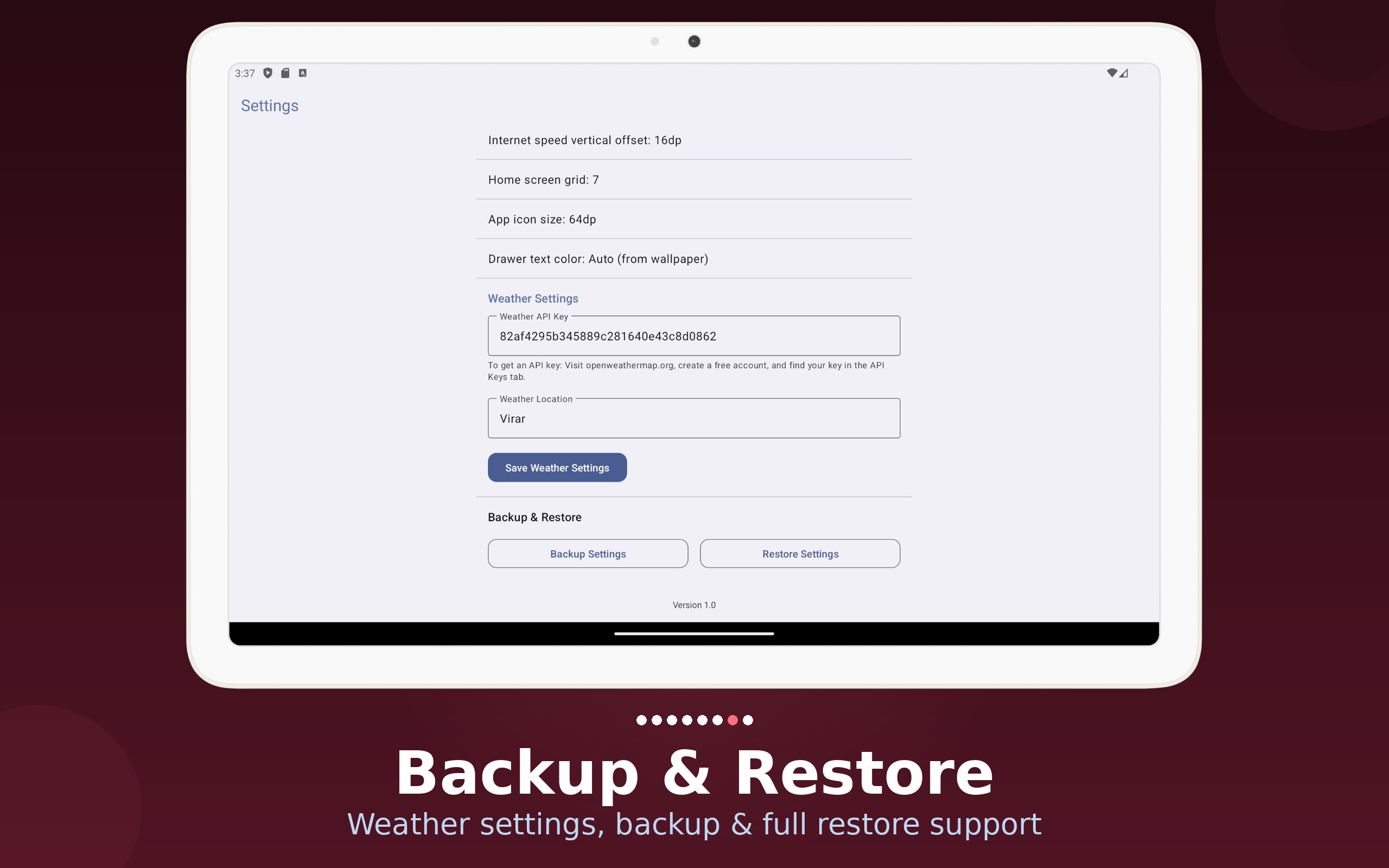
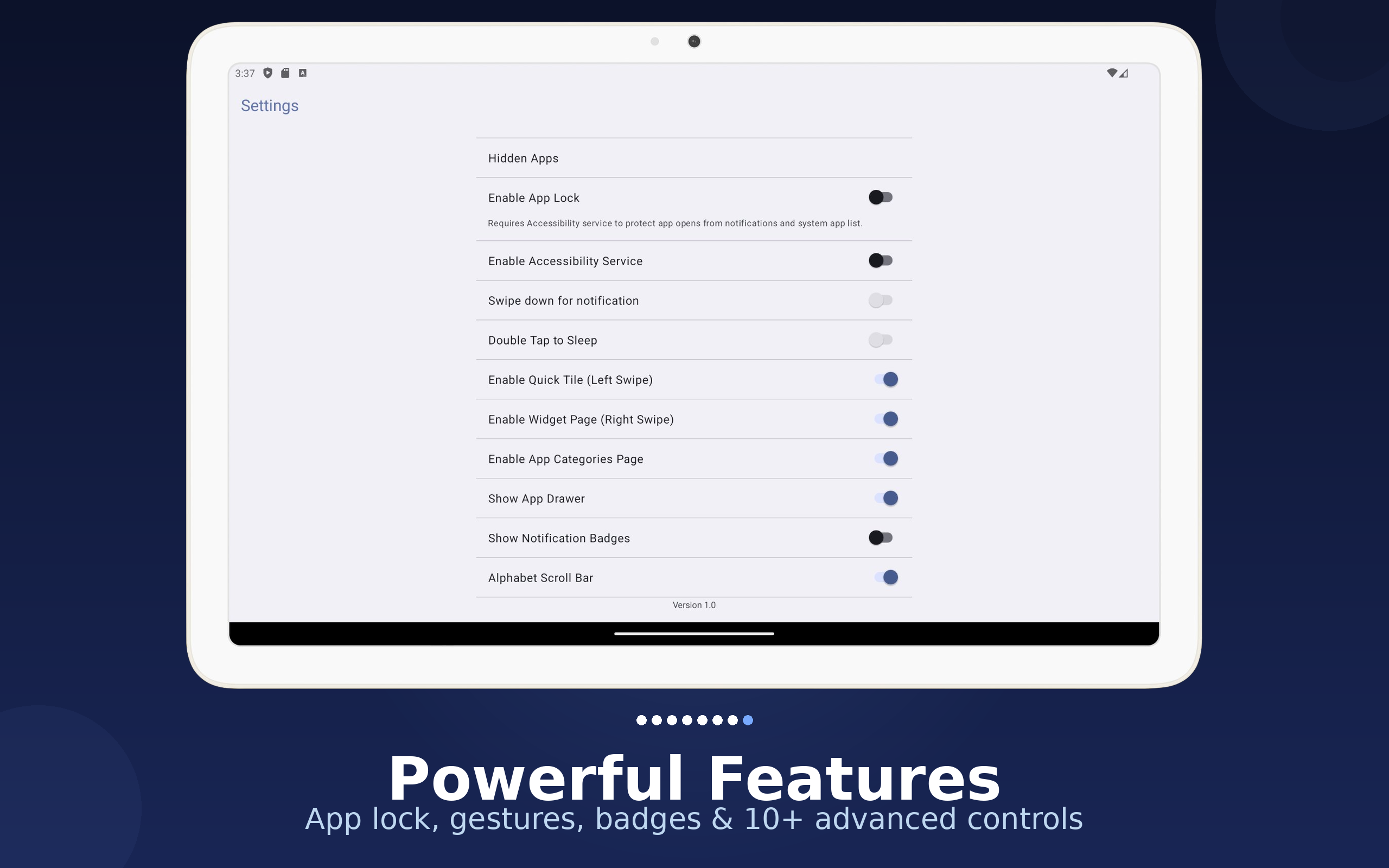
Screenshots taken from the current Core Android app build across phone, 7-inch, and 10-inch devices.
FEATURES
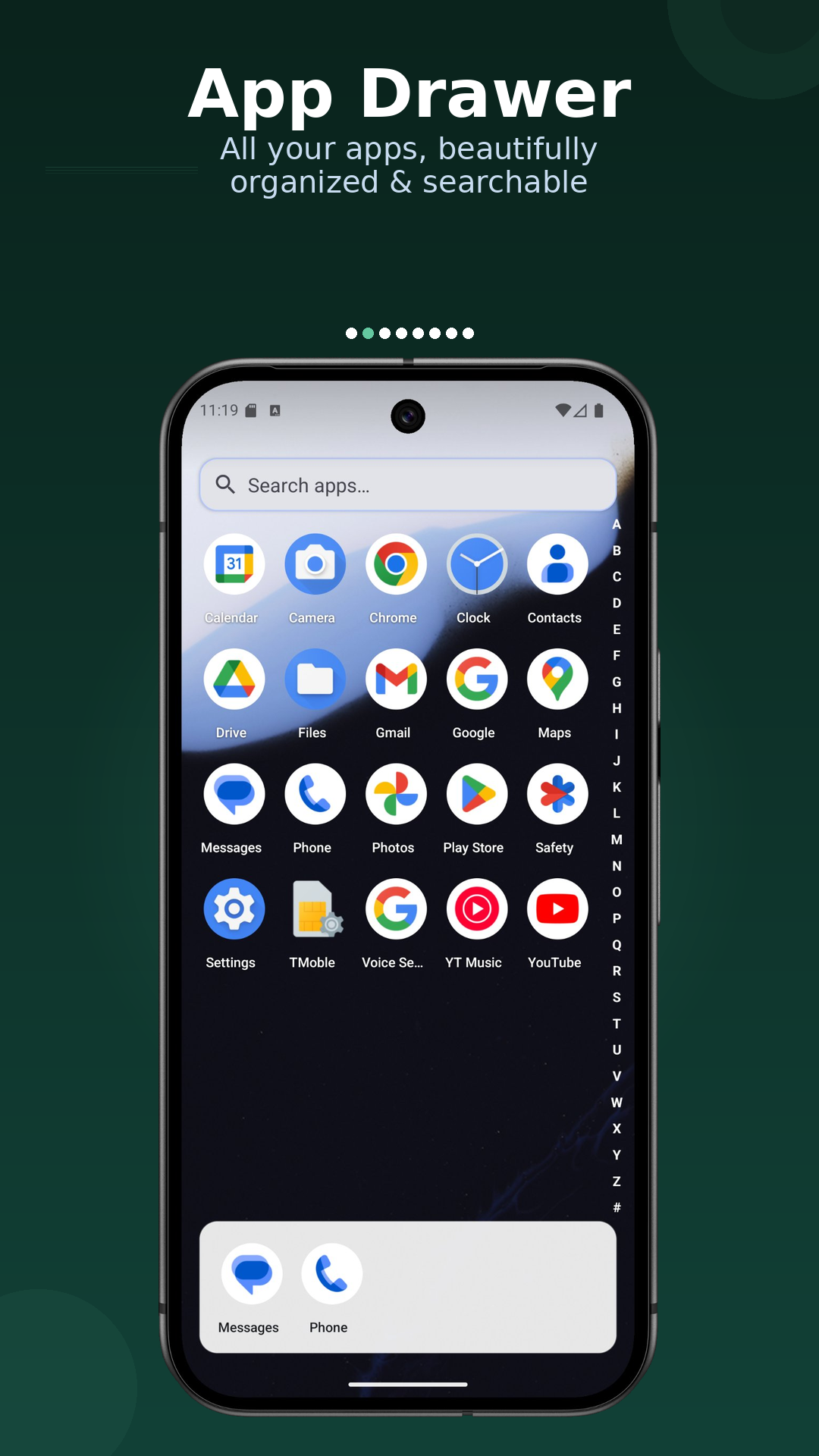
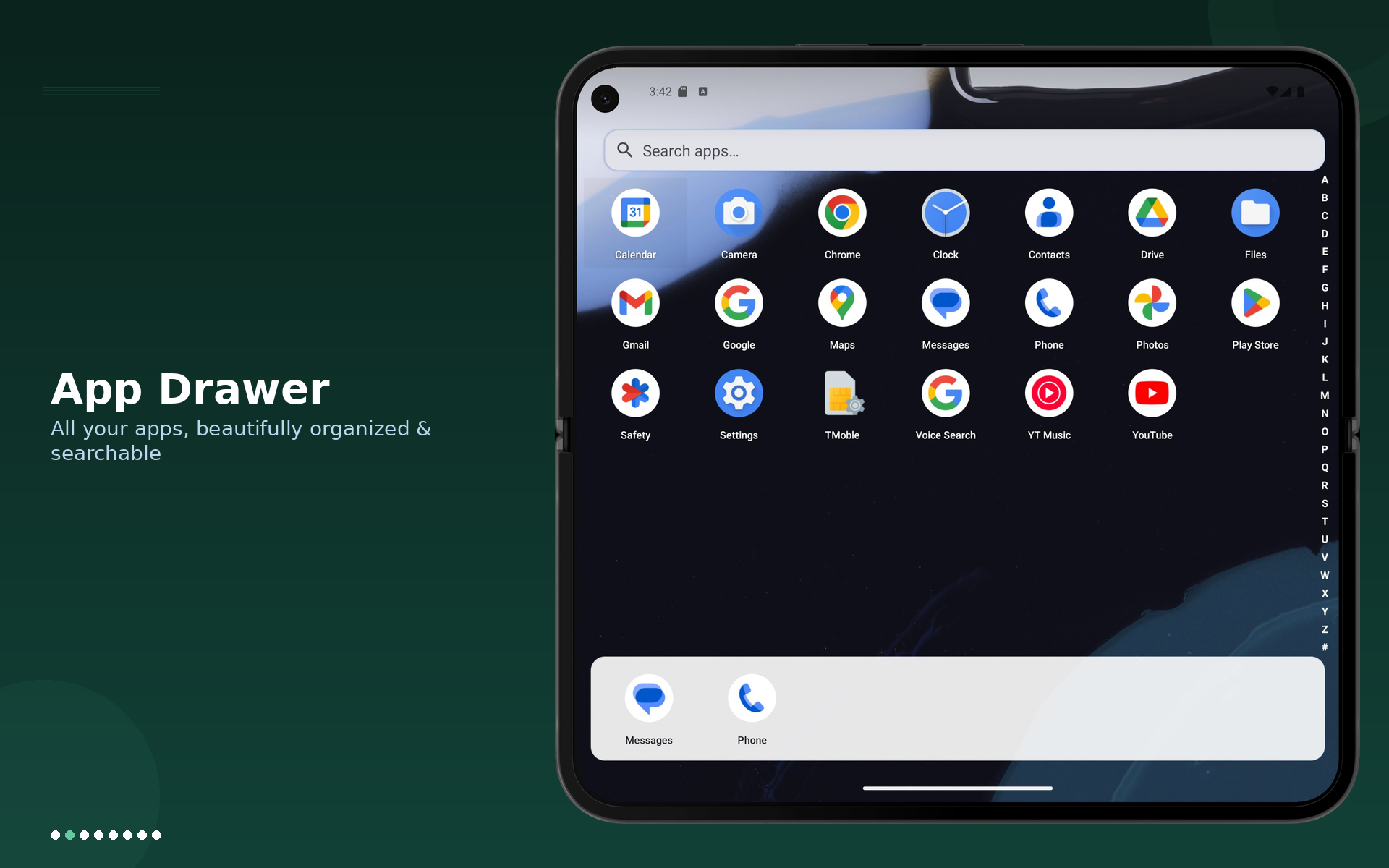
Launch apps instantly with typo-tolerant fuzzy search, optional alphabet scrollbar, and support for pinning and reordering your most used apps.
Add favorite contacts, one-tap system setting shortcuts, weather data, and calendar events with countdown info for what is next.
Add Android widgets, move them on a grid, resize from corners, and remove widgets in edit mode with visual handles.
Hide apps from normal view and protect the hidden-apps area with passcode authentication plus biometric confirmation when available.
Show an optional status-bar overlay for live network speed, with adjustable horizontal and vertical offsets.
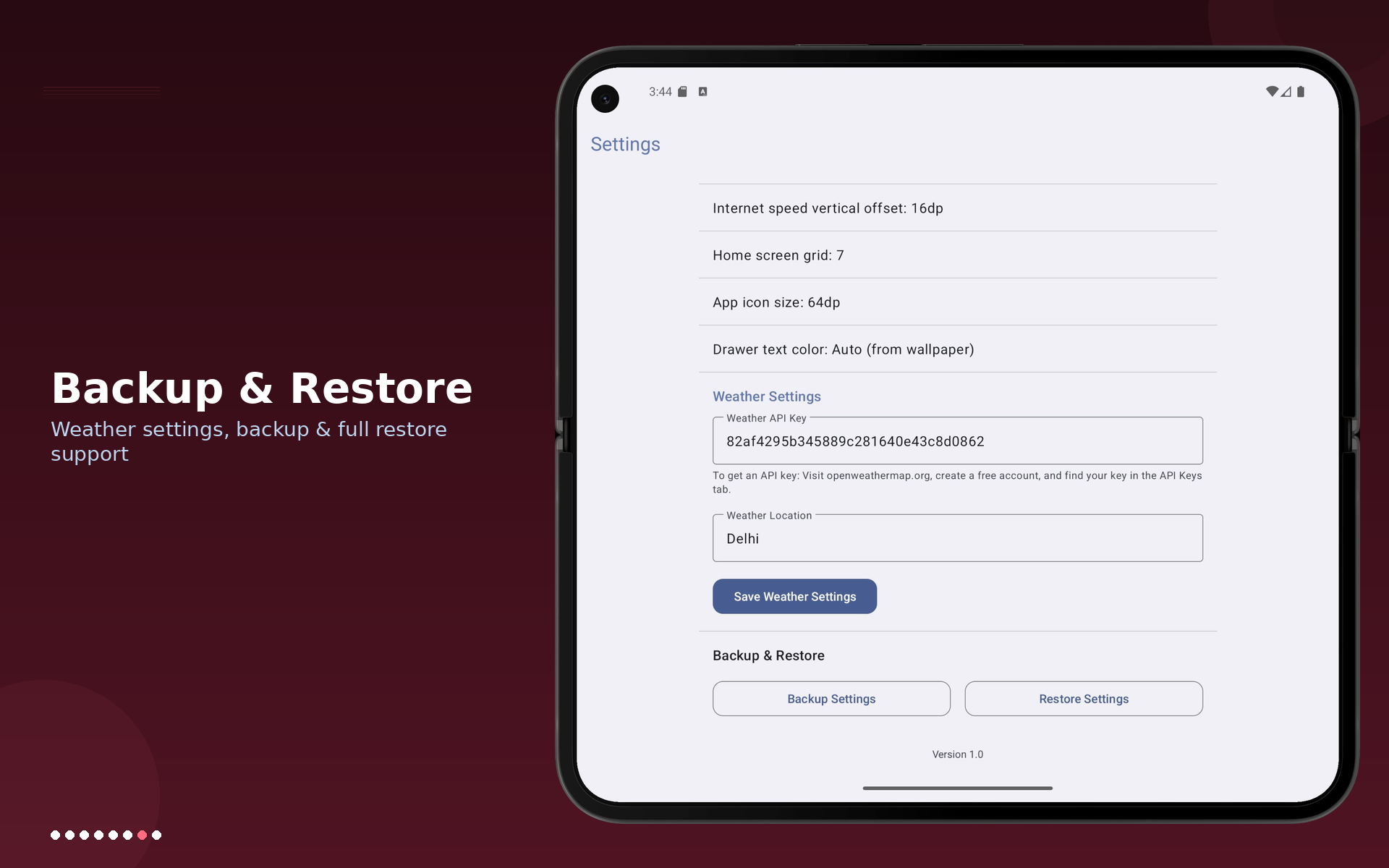
Export settings to JSON and restore later. Core detects required permissions before importing and guides users through missing access.
EXPERIENCE
Switch from your existing home screen and start with the guided onboarding flow.
Pick light/dark/system theme, tune icon size, change grid columns, and adjust drawer text color.
Turn on Quick Tile and Widget pages, then shape them around your real daily workflow.
Enable passcode and recovery key for the hidden-apps area.
PERMISSIONS
Used by the launcher to discover installed apps, search them, and support launcher management flows.
Used for contact photos, starred contacts, favorite contacts in Quick Tiles, and contact search actions.
Used to display today's events and event countdown in Quick Tiles.
Used for optional biometric confirmation in the hidden-apps passcode flow.
Used only to count unread notifications per app and show badge counts on launcher icons. Notification message content, sender, and body are never read or shared.
Used for the optional internet speed indicator drawn above the status bar. No screen content is captured.
Used for weather data integration through Open-Meteo based on the city you enter.
DOWNLOAD
Package: com.scinecis.launcher
Current app version in project: 1.1.17 (versionCode: 22)
Core is distributed through Google Play.
FAQ
Yes. You can add, move, resize, and remove widgets on a dedicated widget page.
Yes. Core supports hidden apps and app lock with passcode and biometric options.
Yes. Core exports launcher settings to JSON and supports restoring from backup.
Core includes theme control, grid size, icon size, app categories, gestures, and more.